> ## Documentation Index
> Fetch the complete documentation index at: https://docs.jojapi.com/llms.txt
> Use this file to discover all available pages before exploring further.
# December 2025 Changelog
## UI/UX Update
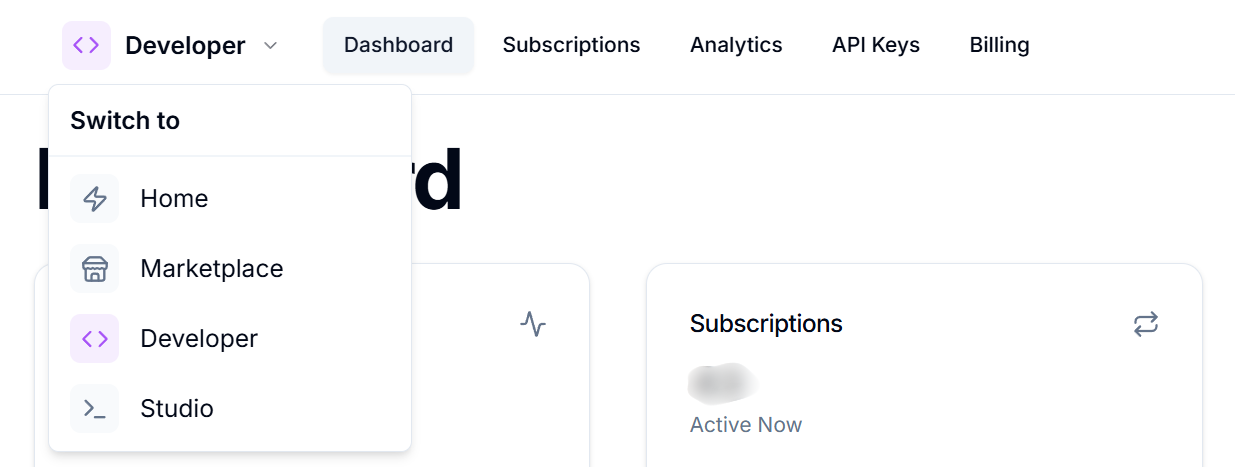
We've released an update that includes a NEW navigation design and various interface updates to make navigating the JoJ API easier. The new navigation design makes it easier to navigate within the panels (Home, Marketplace, Developer, Studio) in the JoJ API.
 ## Status Page
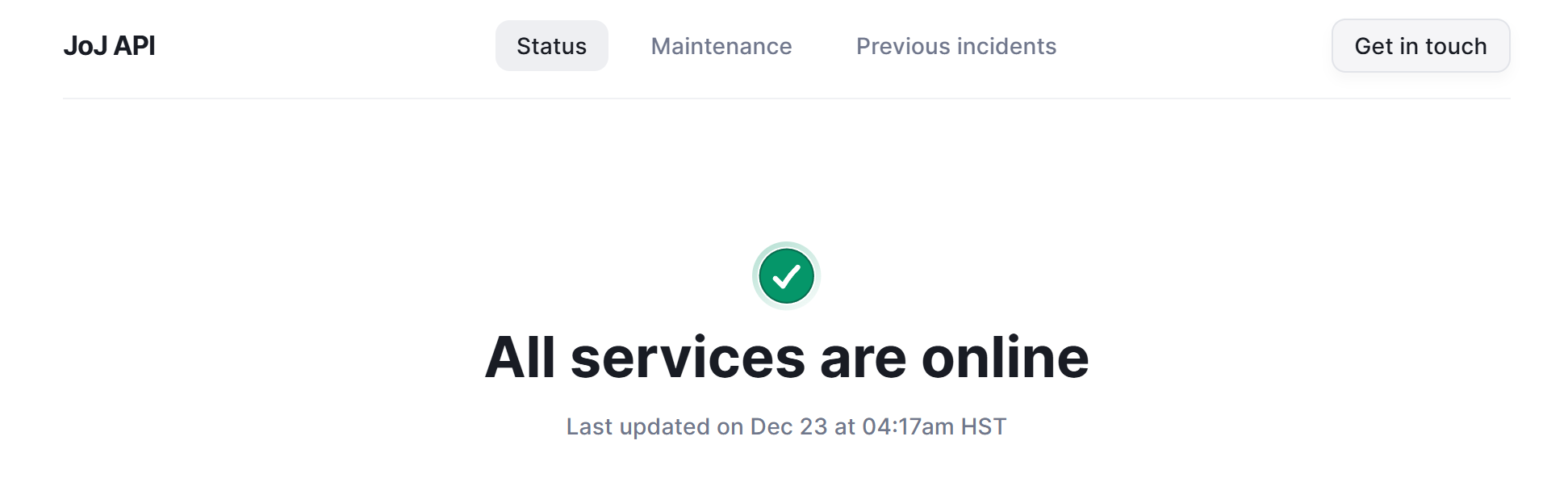
The JoJ API Status page is now live at [status.jojapi.com](http://status.jojapi.com). You can view real-time uptime for the website and API gateways.
## Status Page
The JoJ API Status page is now live at [status.jojapi.com](http://status.jojapi.com). You can view real-time uptime for the website and API gateways.
 ## Studio Request Logs
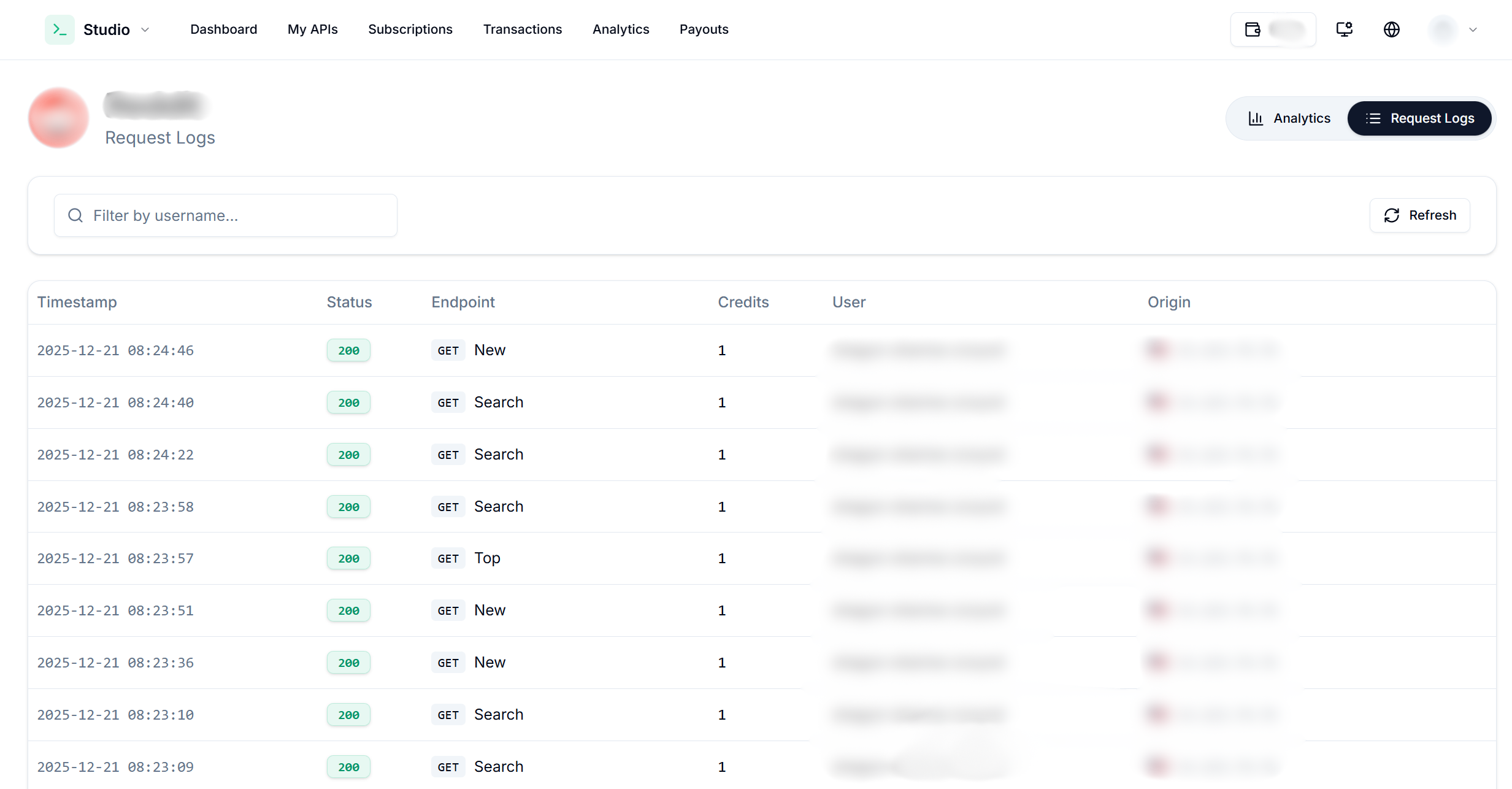
API providers can now view their users' latest request logs through Studio. To use this feature, you need to select an API from Studio > Analytics. You can also filter by username.
## Studio Request Logs
API providers can now view their users' latest request logs through Studio. To use this feature, you need to select an API from Studio > Analytics. You can also filter by username.
 ## Custom Subdomain
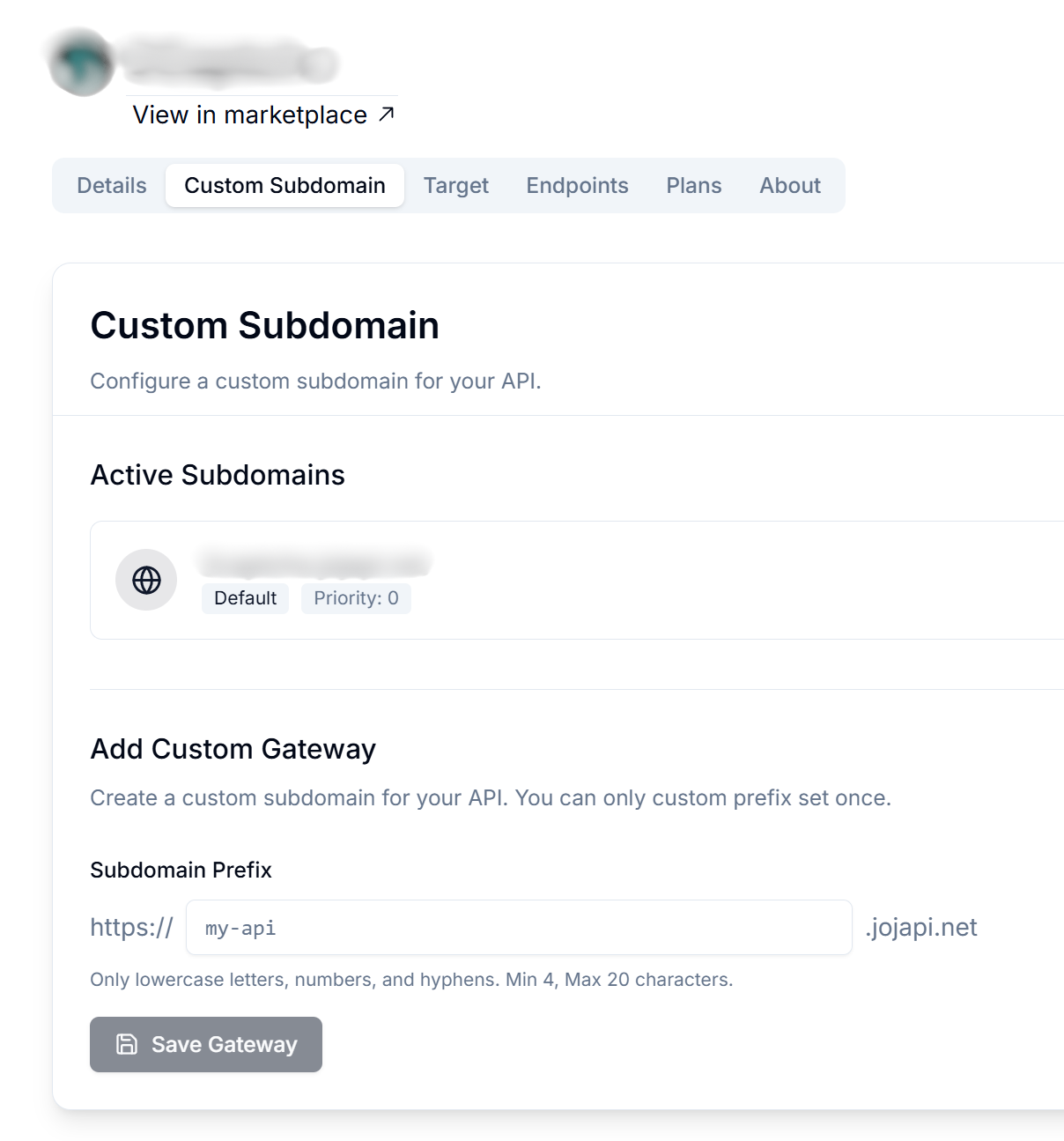
You can set your API's gateway base URL as you wish. To implement this, select an API from Studio and go to the Custom Subdomain tab.
Your previous default gateway URL will remain active, and your existing users will not be affected.
## Custom Subdomain
You can set your API's gateway base URL as you wish. To implement this, select an API from Studio and go to the Custom Subdomain tab.
Your previous default gateway URL will remain active, and your existing users will not be affected.
 ## Markdown Support for the API About Tab
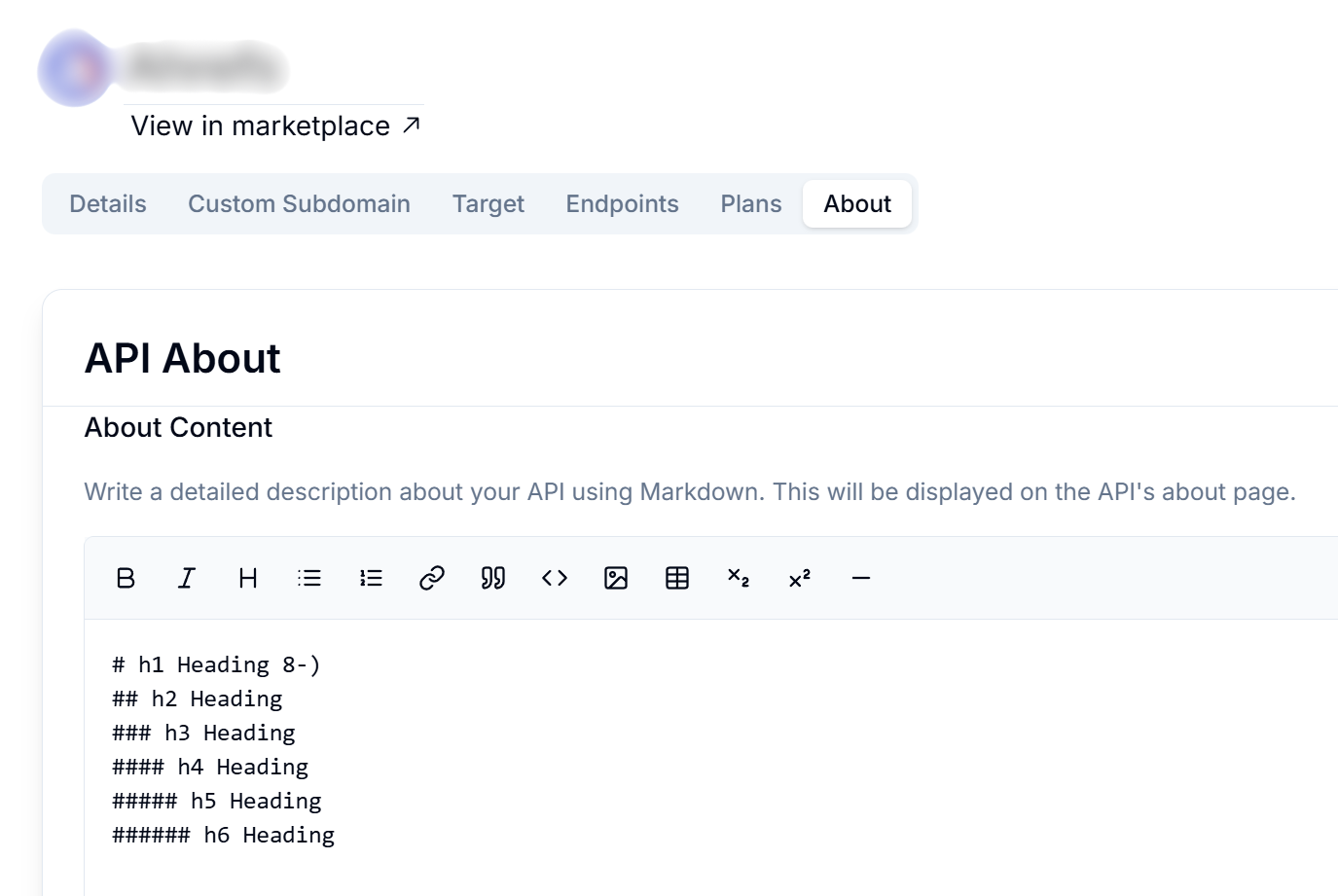
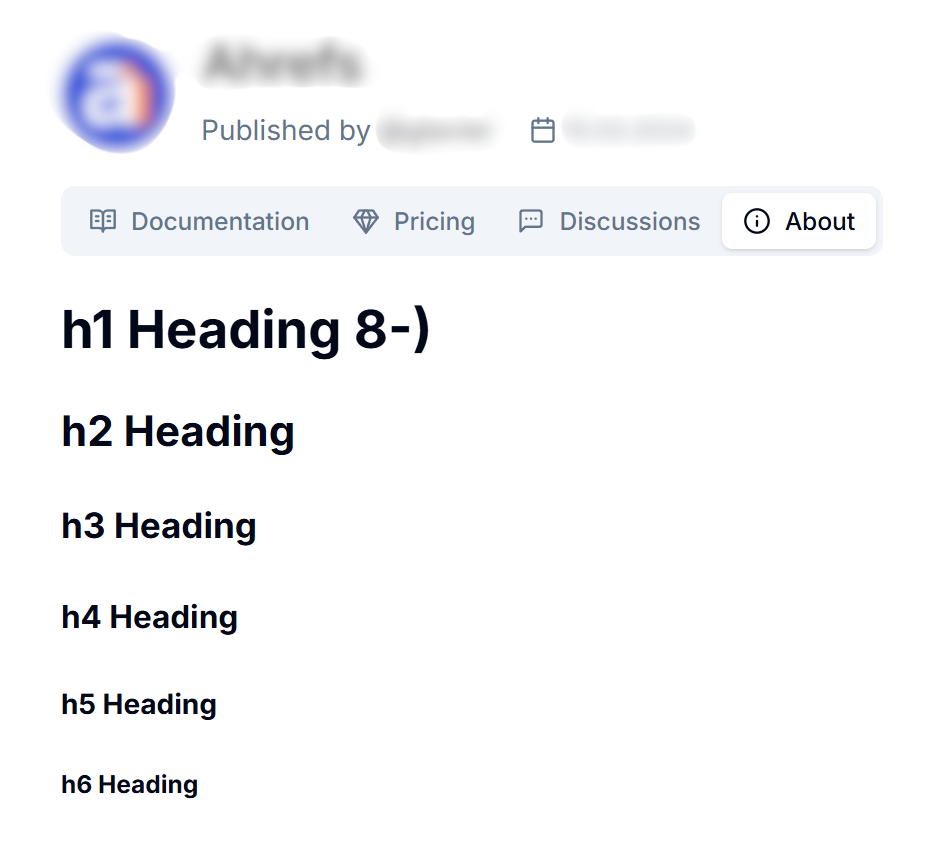
You can enter a Markdown document to be displayed in the About tab of your API. Go to the API editing page in Studio and write a detailed description of your API in the About section!
## Markdown Support for the API About Tab
You can enter a Markdown document to be displayed in the About tab of your API. Go to the API editing page in Studio and write a detailed description of your API in the About section!