
Creating a user-specific API plan
You can offer private plans to selected customers. Create a plan, open it for editing and set its visibility to Private. Then, in the Custom Users section, add the username of each user you want to allow. Users you allow can see and subscribe to the private plan on the API’s pricing page, even though it stays hidden from everyone else.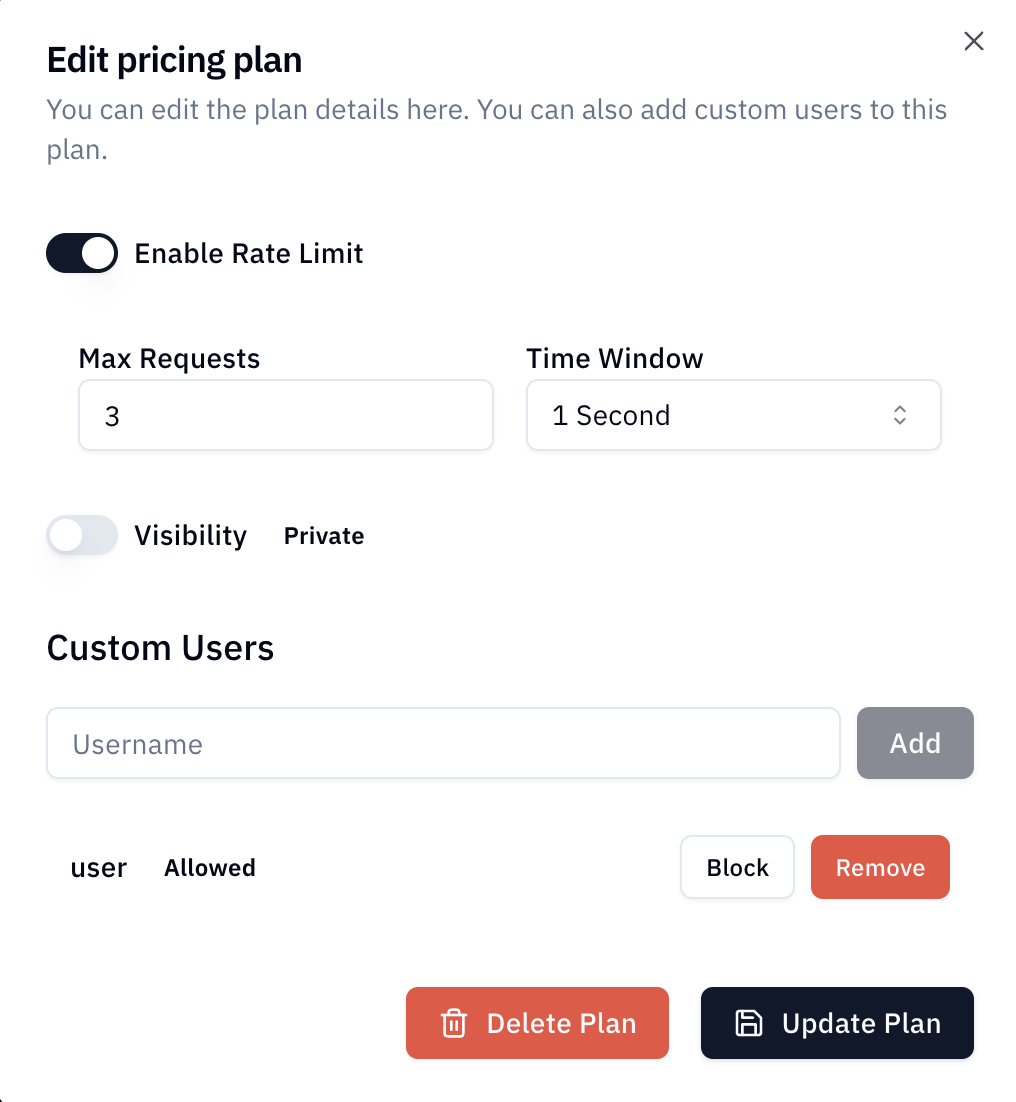
Blocking a user
To prevent a user from subscribing to a plan, add them in the Custom Users section and click Block.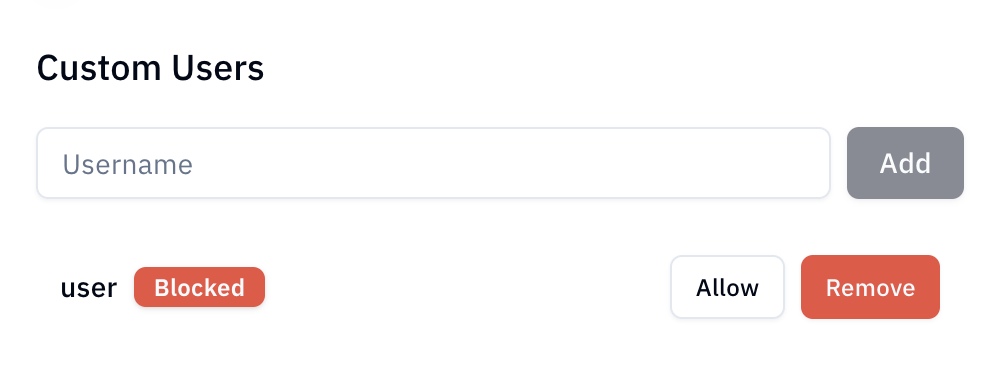
Blocking only prevents new subscriptions. A user who is already subscribed keeps their access — to end it, cancel their subscription from Studio → Subscriptions.